I received the verify bank account message today (5/8).
Step 3: In the “Payment Information” section, select the “Deposit Methods” page.
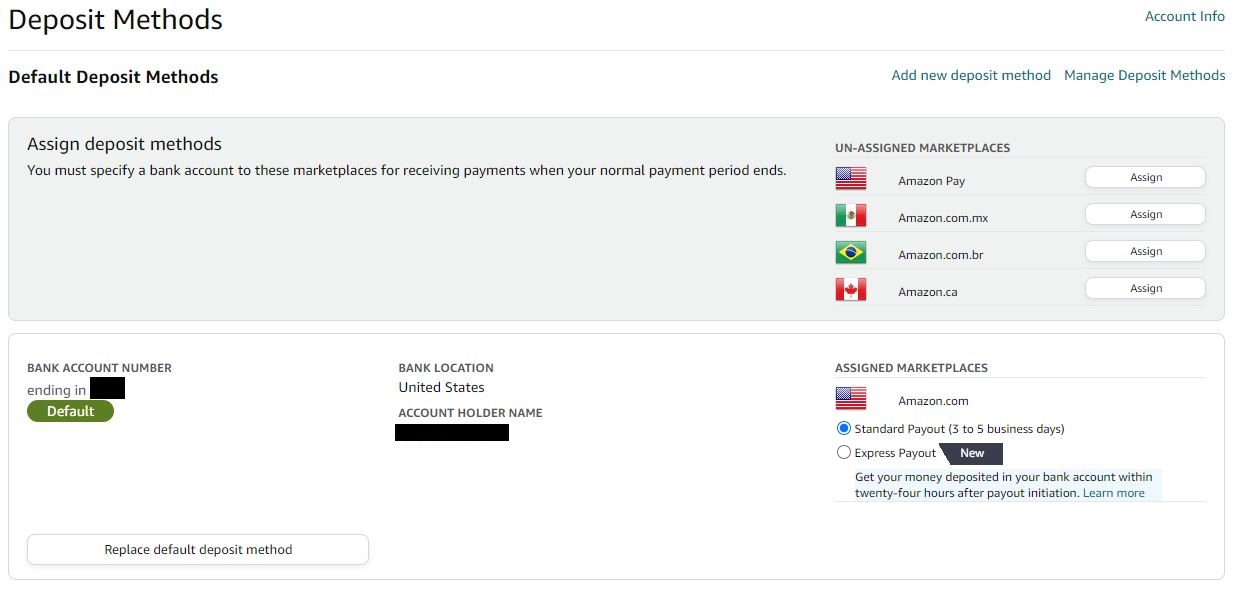
Step 4 Go to the “Manage Deposit Methods” page and find the bank account that you are using to receive your disbursements. If you see a ‘Verified’ status next to it, you do not need to do anything. If you do not see a ‘Verified’ status, click on the ‘Verify’ button.
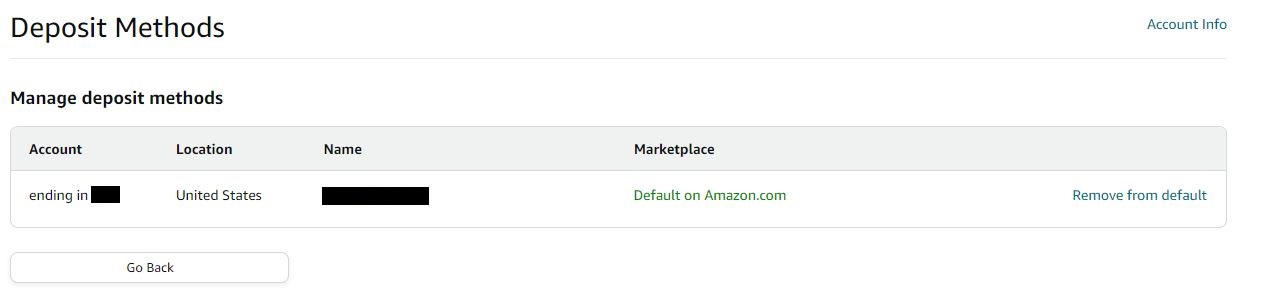
Why no ‘Verify’ button?
Do I need to assign this bank account to Amazon Pay, Mexico, Brazil, and Canada? I am not selling anything in these other marketplaces and have them on “vacation”.
It is absolutely pathetic that they can’t program things to work correctly for every seller.